
MU Online on Linux
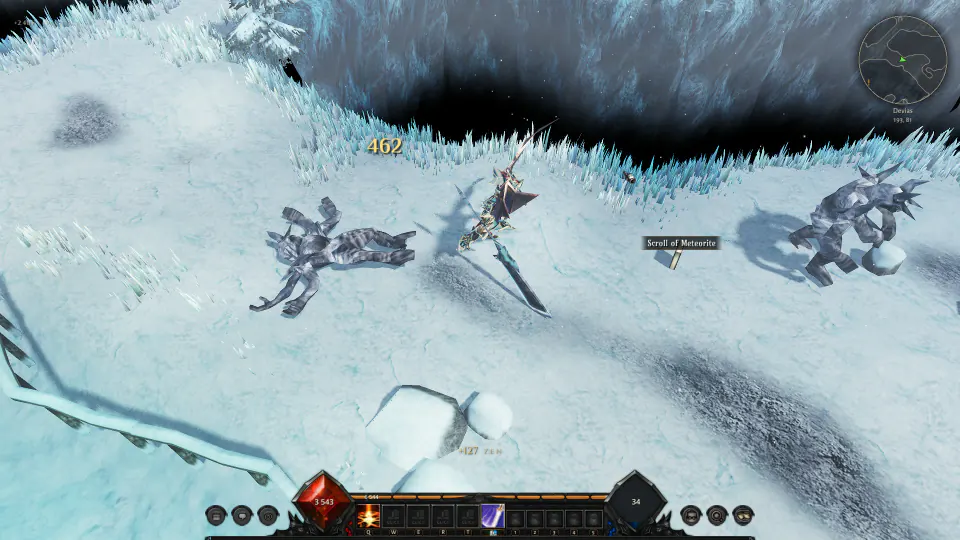
MU Classic is classic MU Online, remastered, with a native Linux build. No Wine, no Proton, no Lutris: the game is built for Linux and draws with Vulkan, on X11 or Wayland.
Install in one line
Open a terminal, paste this line and press Enter:
curl -fsSL https://mu-classic.com/downloads/install-linux.sh | sh
It needs no root. The launcher goes in your home folder, with a MU Classic entry in your applications menu and a mu2-launcher command. Sign in, and the launcher downloads the game and keeps it up to date each time you start it.
No account yet? Make one on the front page. It's free.
System requirements
- A 64-bit PC (x86_64) with glibc 2.35 or newer: Ubuntu 22.04, Debian 12, Fedora 36, Linux Mint 21, Arch or newer
- Graphics with Vulkan 1.1: Mesa for AMD and Intel, or NVIDIA's own driver
- X11 or Wayland
- 8 GB of memory and 4 GB free
- An internet connection: the game is played online
If the game doesn't start: Vulkan
The installer warns you when it finds no Vulkan. Install your distribution's packages:
- Ubuntu, Debian and Mint: libvulkan1 mesa-vulkan-drivers
- Fedora: vulkan-loader mesa-vulkan-drivers
- Arch: vulkan-icd-loader and vulkan-radeon, vulkan-intel or nvidia-utils for your card
Questions
Is it the same game as on Windows?
Yes. Players on Linux, Windows and Mac play in the same worlds, together.
Is it free?
Yes, the open beta is free to play.
Is MU Classic a private server?
No. It's a complete remaster: a new engine, client and server, written from scratch. Classic MU's worlds, monsters and items are its foundation, with reworked skills, new systems and modern graphics.
How do I remove it?
Delete the folder ~/.local/share/MU2, the command ~/.local/bin/mu2-launcher and the menu entry ~/.local/share/applications/mu-classic.desktop.
Also on Mac and Windows. See what's new in MU Classic.