
MU Online on Mac
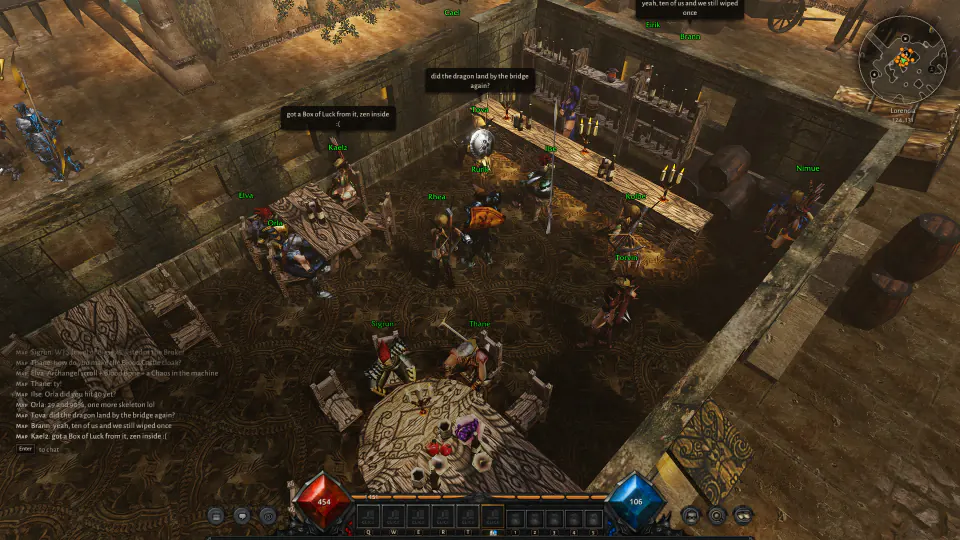
MU Classic is classic MU Online, remastered, and it runs natively on Macs with Apple silicon. No Wine, no CrossOver, no Parallels: the game is built for macOS and draws with Metal.
Install in one line
Open Terminal (in Applications, then Utilities), paste this line and press Return:
curl -fsSL https://mu-classic.com/downloads/install-macos.sh | sh
It puts the MU Classic launcher in the Applications folder of your home folder and opens it. Sign in, and the launcher downloads the game and keeps it up to date each time you start it. Nothing asks for your password.
No account yet? Make one on the front page. It's free.
Why a Terminal line and not a download
The launcher isn't signed by Apple yet, so macOS holds back an app downloaded in the browser. Fetched from Terminal, it opens straight away.
System requirements
- macOS 14 Sonoma or newer
- A Mac with Apple silicon: M1, M2, M3, M4 or newer
- 8 GB of memory and 4 GB free
- An internet connection: the game is played online
Questions
Does it run on an Intel Mac?
Not yet: the game is built for Apple silicon only.
Is it the same game as on Windows?
Yes. Players on Mac, Windows and Linux play in the same worlds, together.
Is it free?
Yes, the open beta is free to play.
Is MU Classic a private server?
No. It's a complete remaster: a new engine, client and server, written from scratch. Classic MU's worlds, monsters and items are its foundation, with reworked skills, new systems and modern graphics.
How do I remove it?
Delete MU2Launcher from the Applications folder in your home folder, and the game's folder ~/Library/Application Support/MU2.
Also on Linux and Windows. See what's new in MU Classic.